Design & Technology
The Best Graphic Design Tools in 2025
By Utopia Designs
Published on October 20, 2025
Choosing the right graphic design tool in 2025 feels like navigating a jungle. New apps pop up constantly, old favorites keep adding AI-powered features, and the line between professional-grade software and user-friendly platforms is blurrier than ever. As a creative agency, we live and breathe these tools every day. The question isn't just "what's the best tool?" but "what's the best tool for *this specific job*?"
Whether you're a seasoned professional crafting a complex brand identity or a small business owner in Nairobi trying to create stunning social media posts, the software you choose has a massive impact on your workflow and final product. Let's cut through the noise and break down the essential graphic design tools you need to know about in 2025.
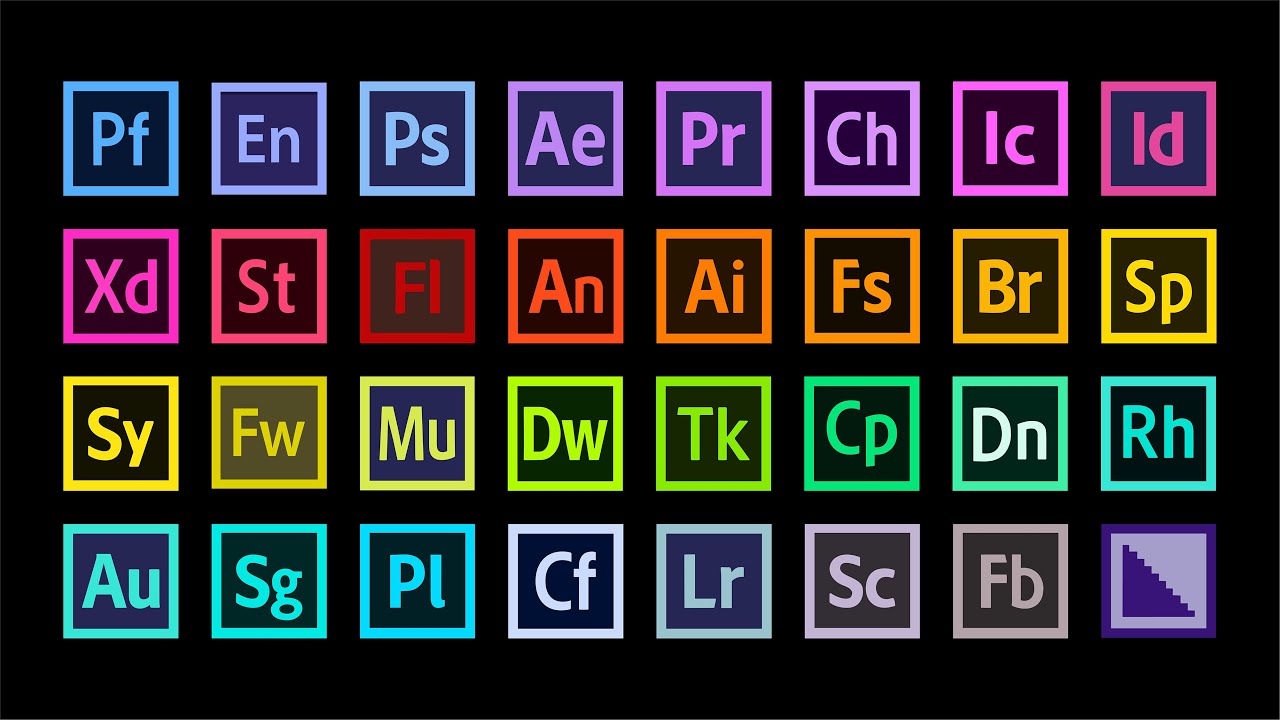
1. The Industry Standard: Adobe Creative Cloud
Let's be clear: Adobe is still the heavyweight champion. The Creative Cloud suite is the bedrock of the professional design world for a reason. It's powerful, versatile, and the integration between its apps is seamless.
Adobe Illustrator
**Best for:** Logos, icons, and any vector-based graphics.
Illustrator is the undisputed king of vector graphics. If you're designing a logo that needs to be scaled from a tiny business card to a massive billboard, this is your tool. Its precision, control over anchor points, and powerful typography tools are unmatched. For our design team, it’s the starting point for almost every branding project. The learning curve is steep, but mastering it is a rite of passage for any serious designer.
Adobe Photoshop
**Best for:** Photo editing, manipulation, and raster-based artwork.
Photoshop is so iconic its name has become a verb. It's the master of the pixel. From retouching photos to creating complex digital paintings and social media graphics, its capabilities are immense. With the recent integration of Adobe Firefly AI, features like Generative Fill have transformed workflows, allowing for mind-blowing edits and compositions in seconds.
Adobe InDesign
**Best for:** Layout design for print and digital publications.
When it's time to arrange text and images for a multi-page document—think magazines, brochures, or interactive PDFs—InDesign is the professional's choice. Its mastery of layout, typography, and master pages makes creating consistent, beautiful documents a breeze.
**Verdict:** Adobe's suite is a significant investment, but for professional, client-facing work, its power and cross-compatibility are essential. It’s the gold standard for a reason.
2. The Collaborative Superstar: Figma
**Best for:** UI/UX design, web design, and real-time team collaboration.
Figma didn't just enter the scene; it completely revolutionized UI/UX design. Its browser-based, collaborative nature means our entire team—designers, developers, and even clients—can work in the same file simultaneously. It has made the handoff from design to development smoother than ever, which is why we use it for our web design projects.
While its vector tools aren't as robust as Illustrator's, they are more than capable for interface design. Its prototyping features allow us to create interactive mockups that feel like real apps. For any digital product design in 2025, Figma is not just an option; it's the default.
**Verdict:** If your work involves designing websites, apps, or any digital interface, Figma is non-negotiable. Its collaborative power saves time, reduces friction, and leads to better products.
3. The People's Champion: Canva
**Best for:** Non-designers, social media graphics, and quick marketing materials.
Canva has democratized design, and we’re not mad about it. It allows small business owners, marketers, and solopreneurs to create professional-looking graphics without a steep learning curve. Its vast library of templates, stock photos, and easy-to-use interface is a game-changer.
We often set up brand kits in Canva for our clients. After we complete a branding project, we provide them with a set of custom templates they can use for their day-to-day social media posts, ensuring brand consistency without needing a designer for every small task. It empowers them to manage their brand effectively.
**Verdict:** While it can't replace the customizability of professional tools, Canva is an incredibly powerful platform for everyday design tasks. For speed and ease of use, it’s unmatched.
Other Notable Contenders in 2025
- Procreate: The go-to for digital illustration on the iPad. Its brush engine is second to none, making it a favorite for artists and illustrators.
- Affinity Designer & Photo: A powerful, one-time-purchase alternative to Adobe's subscription model. They offer about 90% of Adobe's functionality at a fraction of the long-term cost.
- Spline: A user-friendly tool for creating 3D scenes and animations directly in the browser. It's making 3D design accessible to everyone.
Conclusion: The Right Tool for the Right Job
As you can see, there's no single "best" tool. The modern designer's toolkit is diverse. The professional relies on the power of Adobe and the collaboration of Figma, while the savvy business owner leverages Canva to keep their marketing fresh and on-brand.
The key is to understand the strengths and weaknesses of each platform. By choosing the right tool for the job, you streamline your workflow, improve the quality of your output, and ultimately, create more effective and beautiful designs.